
TikTok auto-post
TikTok auto-post: AI videos that post themselves
Pick a niche, style and voice once. AutoContent.Live generates faceless TikToks and publishes them through TikTok’s official API, alongside YouTube, Instagram and Facebook if you want.
- Watermark-free on Starter & Pro
- Direct API auto-posting
- 31 languages on Automation Pro


- Payments by Stripe
- Official OAuth APIs
From prompt to scheduled TikTok
Set it up once, then let it post
- Step 1
Choose a niche and style
Pick a preset niche or write your own prompt, then choose from 20 visual styles and an AI voice.
- Step 2
AI generates the video
Script, scene visuals, voiceover, music and captions are produced for you.
- Step 3
Connect TikTok and schedule
Connect via official OAuth and set posting times. No TikTok password is stored.
Visual styles
Styles that stop the scroll
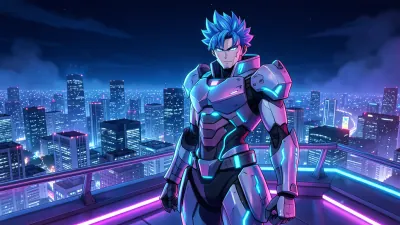
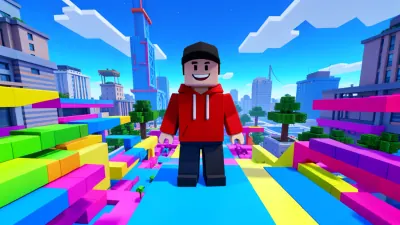
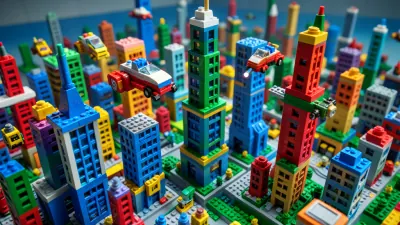
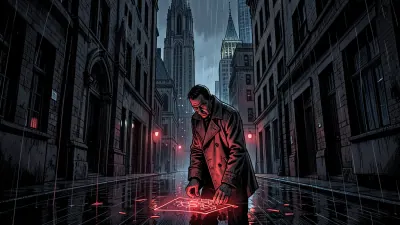
Minecraft, GTA V, Roblox, Lego, anime and more: 20 styles in total.
- Cinematic

- 3D Anime
- Disney

- Roblox
- Minecraft
- Lego Brick
- GTA V
- 2D Cartoon

- 2D Anime

- Dark Comic
- Cyberpunk
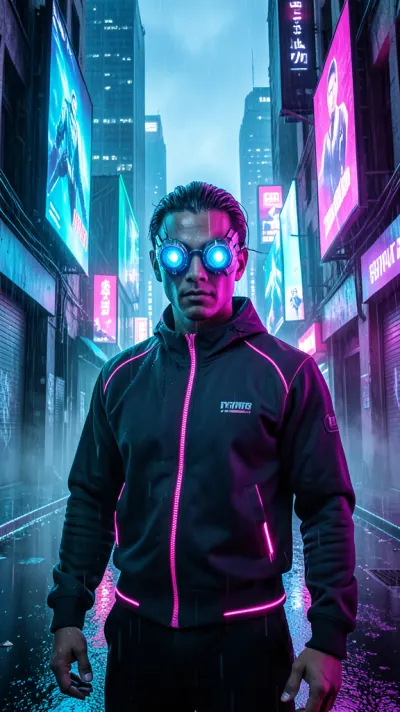
- Claymation

Features
Everything you need for hands-off TikTok
Series engine
A Series keeps creating and posting new videos on your topic.
20 visual styles
From cinematic to Minecraft, pick the look that fits your niche.
AI voiceovers
Narration in 7 languages, 31 on Automation Pro.
Auto captions
Bold, readable captions for sound-off viewers.
Official TikTok API posting
Connect with OAuth. Revoke anytime.
Cross-post
Send the same video to YouTube, Instagram and Facebook.
Posting cadence
How much can you post?
- Free4posts / month30s videos, watermarked
- Starter Creator30API posts / monthWatermark-free
- Automation Pro120posts / month (up to)Watermark-free
Plan details and current limits are on Pricing
Official OAuth, no password stored
You connect TikTok through its official login. AutoContent.Live never stores your TikTok password, and you can revoke access at any time.
Watch
Watch a TikTok go from prompt to scheduled
A short walkthrough of the AutoContent.Live workflow.
Style previews
TikTok-native looks
- Style preview
- Style preview
- Style preview
- Style preview
- Style preview
- Style preview
- Style preview
- Style preview

By the numbers
Built-in, not bolted on
- 20Visual styles to choose from
- 4Platforms: TikTok, YouTube, Instagram, Facebook
- Up to 120Auto-posts per month on Automation Pro
- Up to 3 minVideo length on paid plans
FAQ
Frequently asked questions
Does AutoContent.Live auto-post to TikTok?
Yes, through the official TikTok API after you connect your account.
Can I post to other platforms too?
Yes — YouTube, Instagram, and Facebook are also supported.
Is there a watermark on TikToks?
Only on the Free plan. Starter Creator and Automation Pro videos are watermark-free.
How long can the videos be?
Free plan videos are 30 seconds. Paid plans support vertical videos up to 3 minutes.
How many TikToks can be posted per month?
Free includes 4 posts a month, Starter Creator 30 API posts, and Automation Pro up to 120 posts. See /pricing for current limits.
Can I choose when videos are posted?
Yes. You set posting times for each Series, and AutoContent.Live publishes on that schedule.
Does AutoContent.Live store my TikTok password?
No. You connect TikTok through its official OAuth login, no TikTok password is stored, and you can revoke access at any time.
Let your TikToks post themselves
Set up a Series in minutes and keep your account active on autopilot.
Free plan includes 4 videos/month