
YouTube automation
YouTube automation: run a faceless channel on autopilot
Create faceless YouTube Shorts and 16:9 videos with AI, then auto-post on your schedule, without hiring editors for every upload.
- Watermark-free on Starter & Pro
- Direct API auto-posting
- 31 languages on Automation Pro
- MonShort · 9:169:00 AMScheduled
- WedLong-form · 16:96:00 PMScheduled
- FriShort · 9:1612:00 PMQueued

- Payments by Stripe
- Official OAuth APIs
One pipeline
Shorts and long-form in one pipeline
Generate vertical Shorts for discovery and 16:9 videos for deeper watch time from the same product.
- 9:16 Shorts and 16:9 videos up to 3 minutes on paid plans
- One Series can keep producing on your topic
- Scheduled uploads after you connect your channel

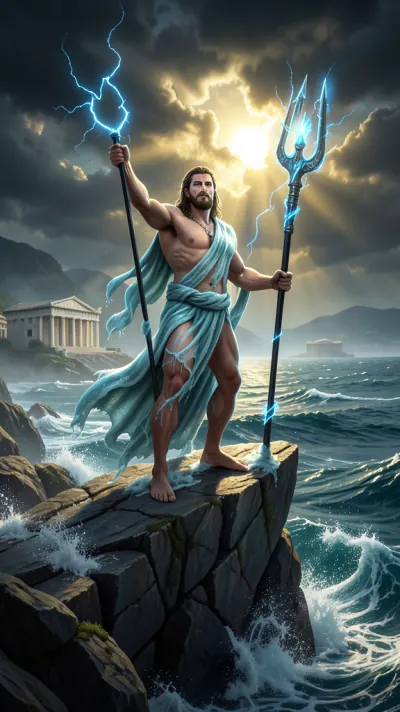
How it works
From idea to published in 3 steps
- Step 1
Pick a niche, style and voice
Describe a topic or choose a preset niche, then pick a visual style and an AI voice.
- Step 2
AI writes, voices, captions and renders
The engine drafts the script, builds scene visuals, adds voiceover, music and captions.
- Step 3
Auto-post on your schedule
Connect your channels with official OAuth and let the queue publish for you.
Scheduling
A week of uploads, queued in minutes
Set posting times once. AutoContent.Live renders ahead and publishes on schedule.
- Mix Shorts and long-form in one queue
- Cross-post the same Series to TikTok, Instagram and Facebook
- Posting times set per Series
You stay in control
You steer, AI does the production
You decide
- Niche and topics
- Hooks and tone
- Visual style and voice
- Posting schedule
AutoContent handles
- Scriptwriting
- Scene visuals
- Voiceover, music and captions
- Rendering and scheduled upload
Built to stay on the right side of YouTube’s policies
You remain responsible for following YouTube’s Terms and content policies, including rules on repetitive or inauthentic content. AutoContent.Live is a production and scheduling tool and does not guarantee monetization.
Features
Everything your channel needs to publish consistently
Series engine
A Series keeps creating and uploading new videos on your topic.
Shorts + 16:9
Both formats from the same engine and settings.
Voiceovers in 7/31 languages
7 on Free and Starter, 31 on Automation Pro.
Captions
Styled captions on every video.
Official YouTube OAuth
Connect on Google’s screen. Revoke anytime.
Scheduled uploads
Pick posting times once; the queue does the rest.
Watch
Watch the workflow
See how a faceless video is created and scheduled in AutoContent.Live.
Style previews
Styles for Shorts and long-form
- Style preview

- Style preview

- Style preview

- Style preview
- Style preview
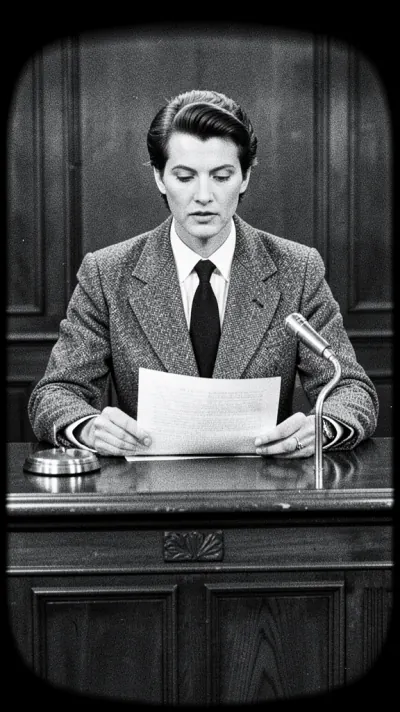
- Style preview

- Style preview

- Style preview
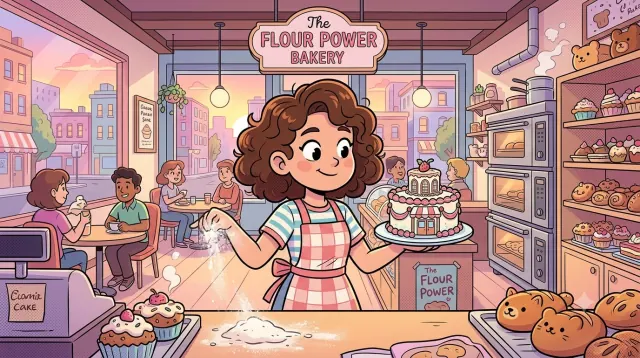
By the numbers
Built-in, not bolted on
- 9:16 + 16:9Vertical and horizontal formats
- Up to 3 minVideo length on paid plans
- Up to 120Auto-posts per month on Automation Pro
- 31Voiceover languages on Automation Pro
FAQ
Frequently asked questions
Is YouTube automation allowed?
You must follow YouTube’s Terms of Service and content policies, including rules about repetitive or inauthentic content. AutoContent.Live is a production and scheduling tool — it does not guarantee monetization.
Can I post Shorts and 16:9?
Yes. AutoContent.Live supports both formats for faceless channels.
Will my channel get monetized?
There is no guarantee. Monetization depends on YouTube’s Partner Program requirements and policies. AutoContent.Live removes production work so you can focus on niche, hooks, and quality.
How many uploads can I schedule per month?
It depends on your plan: Free includes 4 posts a month, Starter Creator 30 API posts, and Automation Pro up to 120 posts. See /pricing for current limits.
How does AutoContent.Live connect to my YouTube channel?
Through YouTube’s official OAuth. You sign in on Google’s own screen, pick the channel, and can revoke access at any time.
Which languages can the voiceover use?
Free and Starter Creator include 7 languages. Automation Pro includes 31.
Can I review videos before they go live?
Yes. You can run a Series hands-free or open any video in the editor to adjust scenes, script, audio, or captions before it publishes.
Put your YouTube channel on autopilot
Start free with Shorts and 16:9, then scale uploads when you are ready.
Free plan includes 4 videos/month